
Chinwag Posts

Radiohead implies Radioshoulders, Radioknees, and Radiotoes.
Heh, a retrofitted wifi module works great. This one doesn't support AP mode but I've got some others kicking around.
An old LTE modem with a GPS receiver would be fantastic, even if it doesn't support the right spectrum anymore would be great, then I could get pretty good NTP sync going.
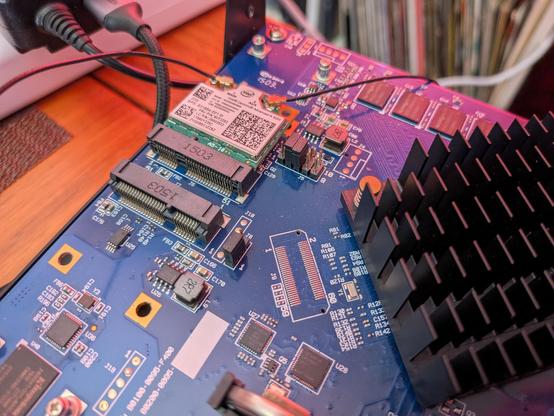
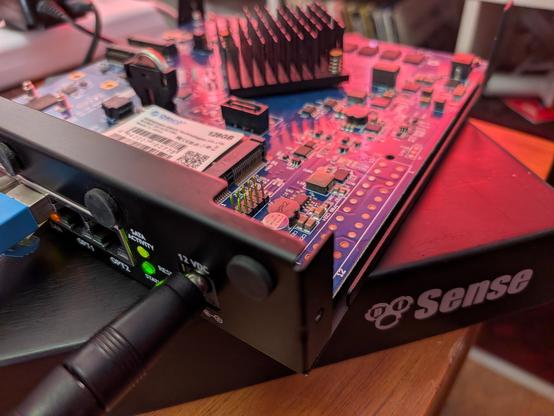
Also, looks like someone bricked this old pfSense firewall device with a failed update at some point about ten years ago. They should have called me. It's fine now, and the device ID is recognised as having a perpetual license for pfSense Plus.
Amazed by how many internal expansion options this has, even a SIM slot for an LTE modem card - I think I have one kicking around somewhere.
Might not be fast enough for my needs on the main rack here but I think I'll try because it'll use less power and run cooler than my current (very overpowered) firewall.
In other news I'm taking a critical look at my drawer of spare and "junk" RAM and wondering if I need to move it to a safe deposit box in a vault somewhere.
If you picked up a 6 year old laptop recently, and it's missing a screw from the bottom cover and looks like someone may have cracked it open at some point, maybe have a look inside and see what they did in there.